Changing Client's Email Address
Security Enhancement
Important!
Enhanced Security Measures: Gym Staff members, including Admins, are unable to modify client email addresses, a restriction implemented for security purposes.
Should a client wish to update their email address, follow the steps outlined below:
Changing Email Address on PC
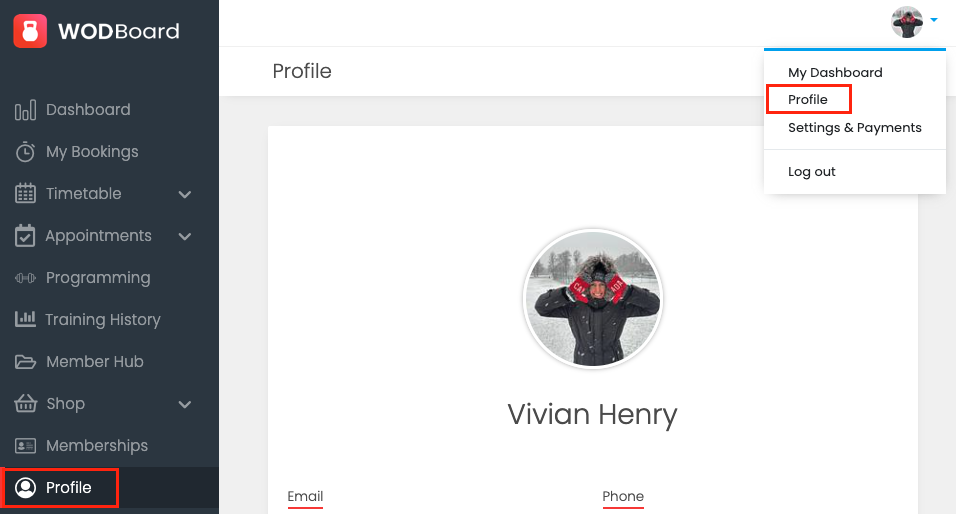
Go to Profile (in menu bar or on top right drop down)
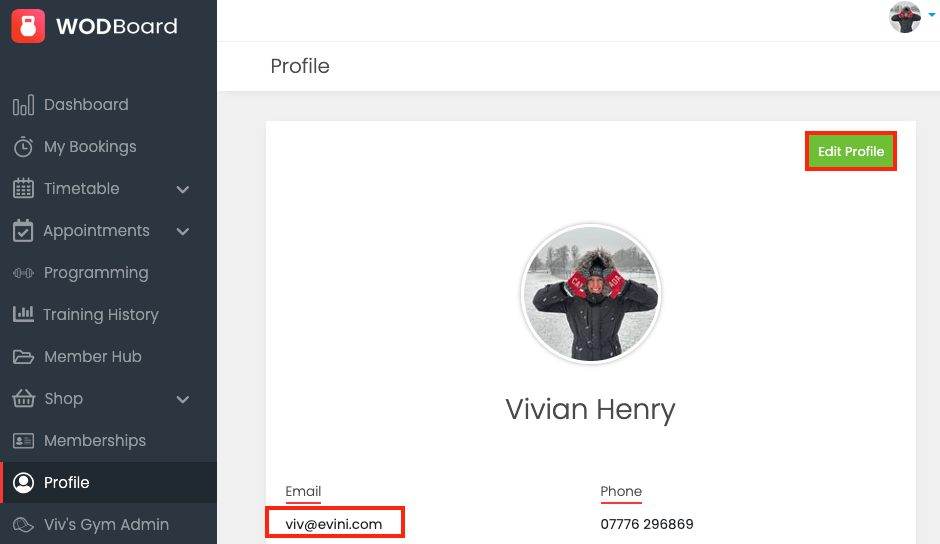
Click the Edit Profile -> Update email address -> Save
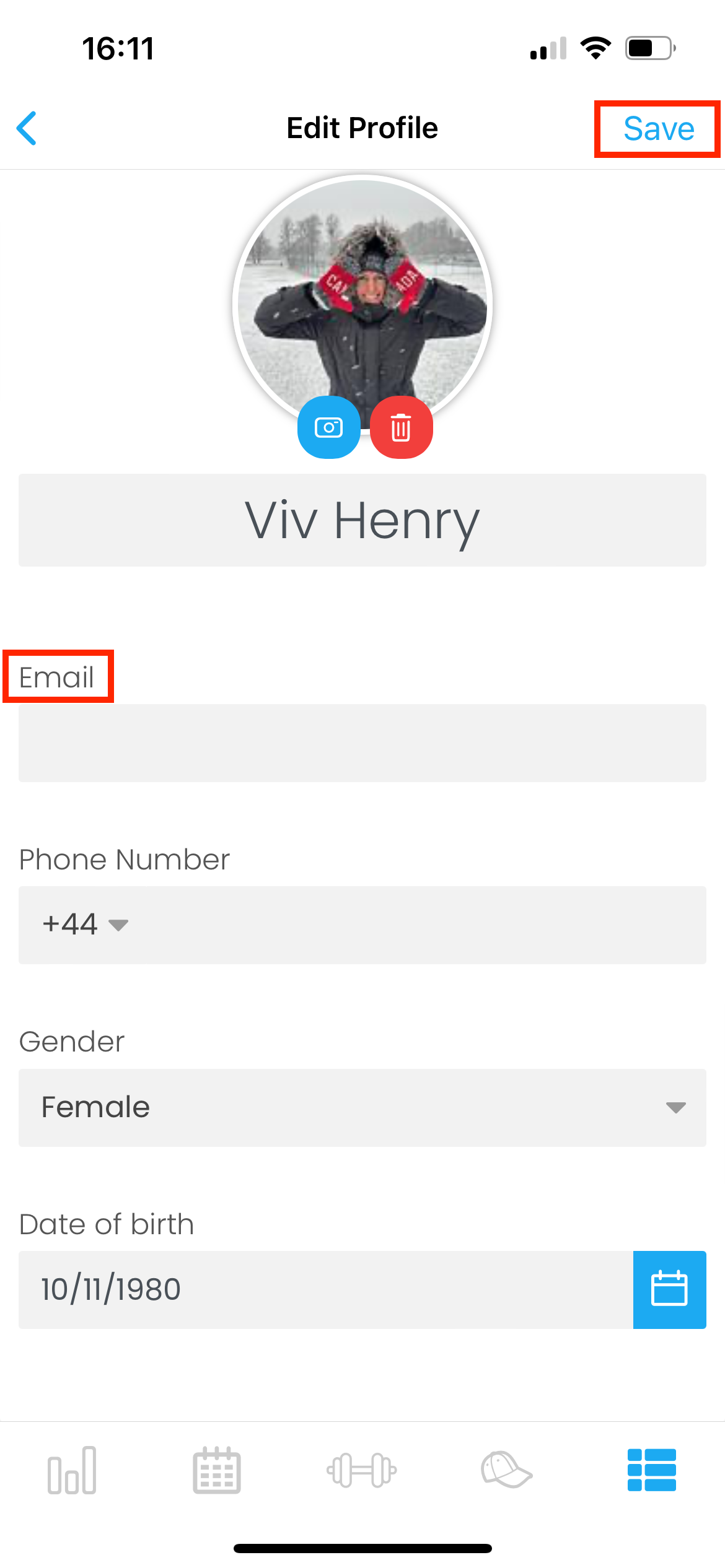
Changing Email Address on the App
Go to Settings -> Profile -> Edit -> Update email address -> Save